Will My Store Look Different From Other Shopify Sites?
Yes, if it is built around your brand instead of dressed up from a theme. Why Shopify stores look alike, and what it takes to make yours unmistakable.
It is one of the first questions store owners ask on a discovery call, usually with a screenshot of a competitor open in another tab. They have noticed that a lot of Shopify stores feel interchangeable, and they do not want to pay for one more.
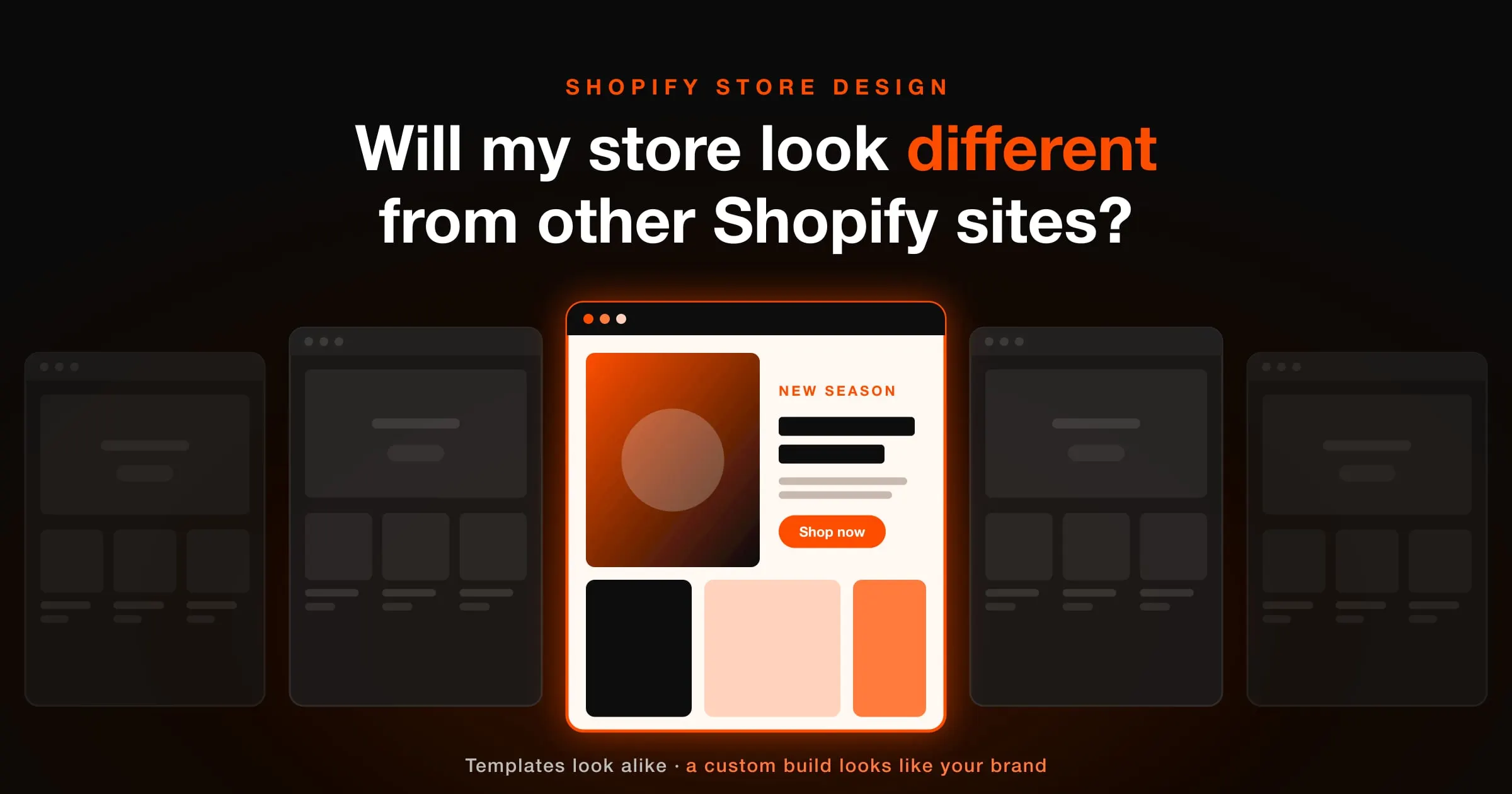
The short answer is yes, your store can look completely different from every other Shopify site, but only if it is designed around your brand, your products and your customers rather than assembled from a theme's default layout. Shopify itself does not make stores look the same. The way most stores are built does.
Why so many Shopify stores look the same
Millions of businesses sell on Shopify, and a large share of them start from the same small pool of themes, including Dawn, the free theme every new store gets by default. A theme is a finished design with your logo dropped in. That is its whole value: it is fast and cheap because somebody else already made every decision.
The trouble is that thousands of other stores inherited the same decisions. Once you have browsed a few, the pattern is hard to unsee:
- The same homepage running order. Announcement bar, full-width slideshow, featured collection, image with text, newsletter sign-up. Change the photos and it is still the same page.
- The same product page. Gallery on the left, title, price, variant pills and an add-to-cart button on the right, with the description tucked into an accordion.
- The same app widgets. Review stars, sticky add-to-cart bars, countdown timers and pop-ups that look identical across every store that installs them.
- The same type and spacing. Default font pairings and default margins give pages the same rhythm, even when the colours change.
- The same photography. Supplier images and stock shots that a dozen other sellers are already using for the same product.
None of this is wrong. It is simply generic, and generic is expensive in ecommerce, because a shopper who cannot tell you apart from the next store has only price left to compare.
What actually makes a store look like your brand
Changing the colours and the logo on a theme is customisation, not design. A store starts to feel like yours when the structural decisions come from your business instead of a template. In practice that means six things.
1. A layout shaped by your catalogue
A brand with eight hero products needs a very different homepage from one with four thousand SKUs. When the layout starts from what you sell and how people choose it, the page stops resembling anyone else's, because nobody else has your catalogue.
2. A type and colour system, not a colour swap
Typography does more for recognition than almost anything else on the page. A deliberate type pairing, a considered scale and a palette with rules about where each colour may appear give a store a voice that a recoloured theme never has.
3. Art direction for photography
Consistent lighting, crops, backgrounds and props make a collection page look like one brand rather than a supplier feed. It is also the cheapest way to look premium, because it is a set of rules rather than a bigger budget.
4. Custom sections built for how you sell
A size guide that lives beside the size selector, a bundle builder, an ingredient explorer, a before and after comparison. Sections designed around your buyer's actual questions are where a store moves from looking different to selling differently.
5. Details and motion
Hover states, transitions, icon style and the way the cart opens are small individually. Together they are what makes a store feel crafted rather than configured.
6. Copy that sounds like you
"Free shipping on orders over $50" and "Shop the collection" appear on half the internet. Microcopy written in your brand's voice is one of the quickest ways to stand apart, and it costs nothing in performance.
Theme, customised theme or custom build?
There are three honest routes, and each one is right for somebody.
- An off-the-shelf theme. Quickest and cheapest. Good for testing a product or launching on a tight budget. Expect your store to look like the theme's demo, because that is what it is.
- A customised premium theme. Colours, fonts and a few sections adjusted. A clear step up, but the underlying structure stays the same as every other store on that theme, and heavy customisation often means fighting the theme rather than building on it.
- A custom Shopify build. Designed from wireframes up around your brand and coded specifically for your catalogue. Costs more up front, and it is the only route where looking different is guaranteed rather than hoped for.
If you are still validating whether a product sells at all, a good theme is a sensible place to start. Once the brand is proven and you are spending real money to bring people to the store, the storefront becomes a growth asset, and a template stops being a saving.
Will a unique design slow the store down or make it harder to edit?
It should do neither, and if a developer suggests otherwise, keep asking questions.
Hand-written code is usually lighter than a multipurpose theme, because it only contains what your store uses. Big themes ship features for every possible kind of shop, and stores built on them then add apps on top to fill the gaps. A custom build skips most of that weight, which helps load times and Core Web Vitals.
Editability depends on how the store is built, not on whether it is custom. A store built on Online Store 2.0 with every section exposed in the theme editor lets you change wording, images, colours and buttons yourself, and add new pages from the same building blocks, without touching code.
How we make sure your store looks like no one else's
On our custom Shopify store development projects, distinctiveness is not a finishing touch. It is built into the process from the first week:
- 1Discovery starts with your brand, buyers and competitors, so we know what your store needs to look different from before anything is drawn.
- 2Wireframes come from your catalogue and your customers, not a starter layout. Nothing gets coded until you have signed off the structure and the visual design.
- 3Nothing is reused between clients. Every piece of Liquid, CSS and JavaScript is written for your store, so the finished storefront belongs to your brand alone.
- 4Every section is editable in the theme editor, so the store stays yours to run, and stays distinctive as you add products and pages.
Questions to ask any Shopify developer before you hire
Whoever you work with, these five questions will tell you quickly whether you are buying a design or a theme with your logo on it.
- 1Do you start from a theme or from wireframes? If from a theme, which one, and how many of your other clients are on it?
- 2Can I see two stores you built and tell which is which without the logos?
- 3Which parts of the store will I be able to edit myself in the theme editor?
- 4Which apps do you expect the store to need, and what will each one add to load time?
- 5Who owns the code once the project is finished?
A theme gets you a store that works. A custom build gets you a store that people remember. Only one of those makes the next sale cheaper.
If your store looks like everybody else's and you want that to change, tell us what you sell and where you want the brand to go. You will get a plan, a fixed price and a launch date before any work starts.

Sushant Rana
Business Growth Consultant. 8+ years building revenue systems across India, the USA, Canada and Australia.